
🔬 Why Your Device Isn’t Charging (and How to Diagnose It)
Charging issues can stem from a wide range of factors — from hardware integrity to power negotiation protocols, environmental conditions, and even internal protection mechanisms. This guide provides a systematic and technical approach to identify and resolve the root cause of charging failures.
1. Cable Integrity & Power Delivery Compatibility
Physical and Electrical Integrity
A charging cable does more than deliver power — it must also support digital communication for power negotiation.
Technical Checks:
-
Continuity: Use a multimeter to verify continuity on all power and communication wires.
-
Resistance: Low DC resistance (<30–50 mΩ) is critical for high‑wattage delivery. High resistance causes voltage drop and heat, preventing proper charging.
Protocol Support:
-
USB Power Delivery (PD) requires precise communication between source and sink.
-
For high‑wattage charging (e.g., 100W+), the cable must include an E‑Marker (electronically marked) chip.
Recommended Cables:
-
AOHi 140W USB‑C Cable with LED Digital Display — rated for high‑wattage PD, with real‑time monitoring.
-
AOHi Adonis USB4‑Capable Cable — supports both high power and high data rates.
2. Charger / Power Adapter Output and Protocol Support
Power Profiles & Protocol Handshake
Charging is not just voltage; it’s negotiation. The charger must present a valid Power Data Object (PDO) that the device accepts.
-
PD 3.0/3.1 supports multiple PDOs like 5V, 9V, 15V, 20V, 28V for higher power tiers.
-
Missing or non‑compliant PDOs will cause the device to refuse the charge or fall back to 5V limited power.
Protocol Support Matrix
| Protocol | Typical Use | Must‑Support for Fast Charging |
|---|---|---|
| USB‑PD 2.0 | Early PD devices | ✓ for basic fast charging |
| USB‑PD 3.0 | Modern devices | ✓ standard |
| USB‑PD 3.1 | >100W charging | ✓ required |
| PPS (Programmable Power Supply) | Samsung/Google optimized charging | recommended |
| Quick Charge (QC) | Legacy devices | optional |
Recommended Chargers:
-
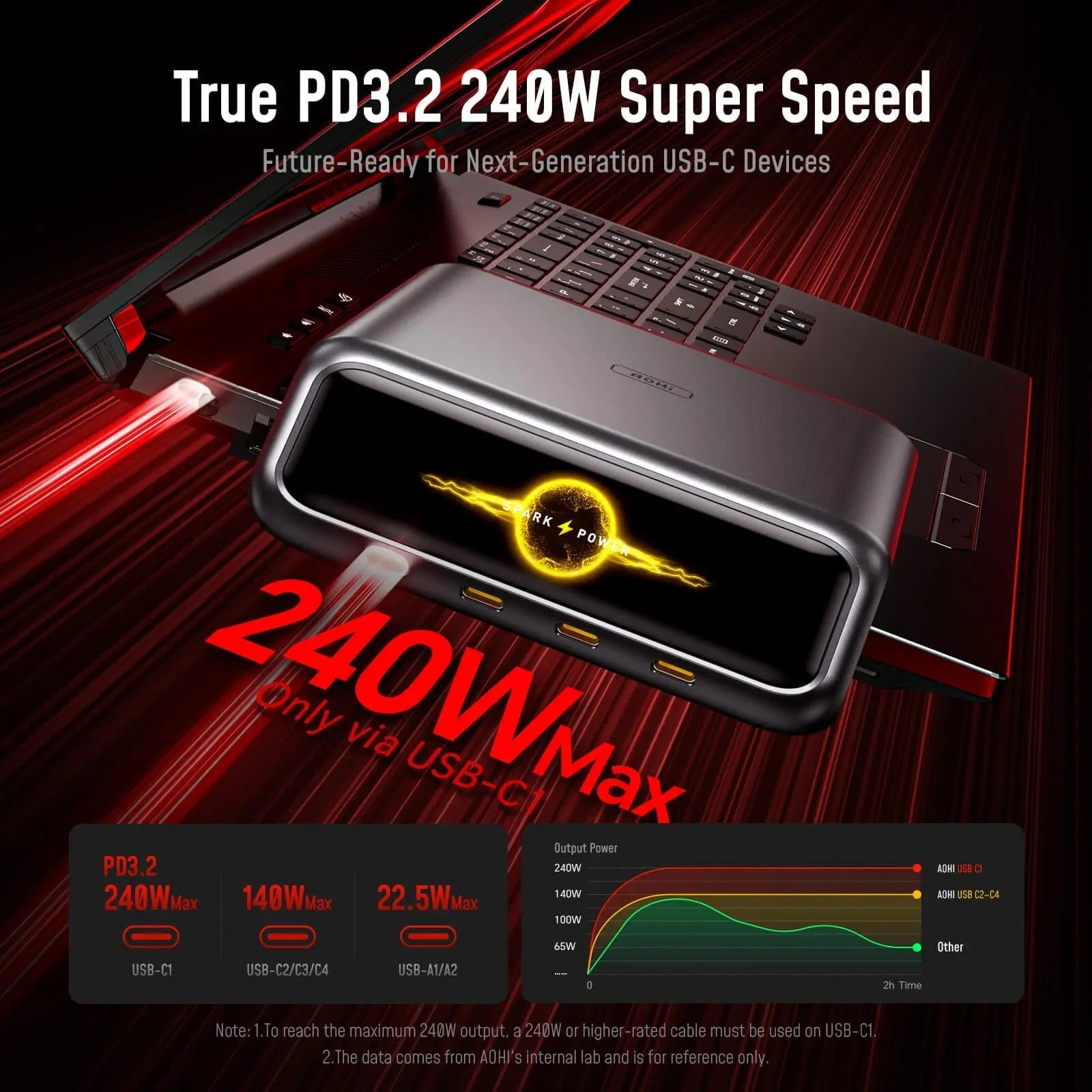
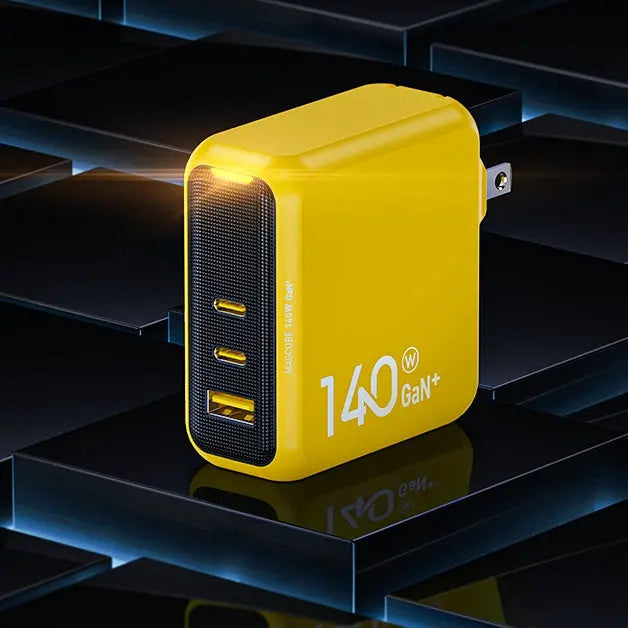
AOHi Magcube Pro 140W GaN Charger — Full PD3.1 support with broad compatibility.
-
AOHi Youth 140W 3‑Port GaN Charger — supports simultaneous multi‑device charging.
3. Device Port Integrity and Electrical Contact
Mechanical and Electrical Snags
Even if cable and charger are perfect, a device port issue can hinder detection:
-
Debris, lint, or oxidation inside the port can interrupt electrical contact.
-
Bent or damaged pins inside the port may prevent stable connection.
-
Loose mechanical fit causes intermittent contact and handshake failures.
Diagnostic Tip:
Use compressed air or a dry non‑conductive brush to clean port debris. If pins are damaged, professional repair is necessary.
4. Internal Device Power Management and Protection Mechanisms
Modern devices use intelligent power path management to protect internal components.
Protection Scenarios That Block Charging
-
Thermal Protection: Device exceeds safe temperature → charging temporarily halted.
-
Battery Protection: Battery voltage/cell imbalance detected → charging disabled.
-
Overcurrent / Overvoltage Protection: Sudden power surges detected → shut down charge path.
Symptom:
Device may show “Charging Paused” or refuse to charge until temperature or internal fault clears.
5. Environmental and External Electrical Conditions
Temperature & Ambient Conditions
A device operating outside safe temperature ranges (typically ~0–45°C) may not accept charge.
-
Too cold → chemical charge reaction slows down → no charge accepted.
-
Too hot → thermal shutdown → charging disabled.
Power Source Quality
Unstable power sources (e.g., poor wall outlets, surge issues) can interrupt proper PD negotiation.
6. Software, Firmware, and Power Controller Logic
System Power Management Software
The device’s OS may disable charging based on internal logic:
-
Battery calibration issues
-
Firmware bugs affecting PD negotiation
-
USB controller firmware errors
Steps:
-
Restart the device
-
Update the OS and firmware
-
Reset battery statistics (if supported)
7. Charging Protocol Mismatch or Fallback Mode
If charger and device cannot successfully complete PD handshake, the device may default to:
-
USB BC 1.2 mode — legacy standard, low current (~1.5–2A)
-
No charge mode — handshake error → 0A
This mismatch can occur when:
-
Charger advertises incompatible power profiles
-
Cable lacks required PD communication lines
Professional Troubleshooting Flowchart
↓
Check Cable → Fault? Replace → Test Again
↓
Check Charger Output & Protocol
↓
Check Port Integrity
↓
Check Device Protection & Temperature
↓
Check System Software / Firmware
↓
Output Result
Conclusion
Charging failure is rarely random — it’s typically caused by:
✔ Physical connectivity issues
✔ Protocol incompatibility
✔ Power negotiation failure
✔ Device protection mechanisms
✔ Environmental limitations
By following this structured, professional diagnostic process, you can isolate the true cause and fix it efficiently.
📌 Recommended Accessories for Reliable Charging
High‑Power PD Chargers
-
AOHi Magcube Pro 140W GaN Charger — full PD3.1 and comprehensive protocol support
-
AOHi Youth 140W 3‑Port GaN Charger — versatile multi‑device charging
High‑Quality Cables
-
AOHi 140W USB‑C Cable with LED Display — detailed charging status
-
AOHi Adonis USB4‑Capable Cable — robust data and power delivery